Free
Free foreverCapture, every markup tool and mosaic. Copy or save. Quick Capture. The white-border frame and 2 filters.
For macOS 14 Sonoma and later
SnipSimple is a screenshot app for Mac that keeps your workflow simple and quick. Capture, mark up right where you are, and share an image or a link in one keystroke.
Simple · Light · Shareable · Affordable
01Simple
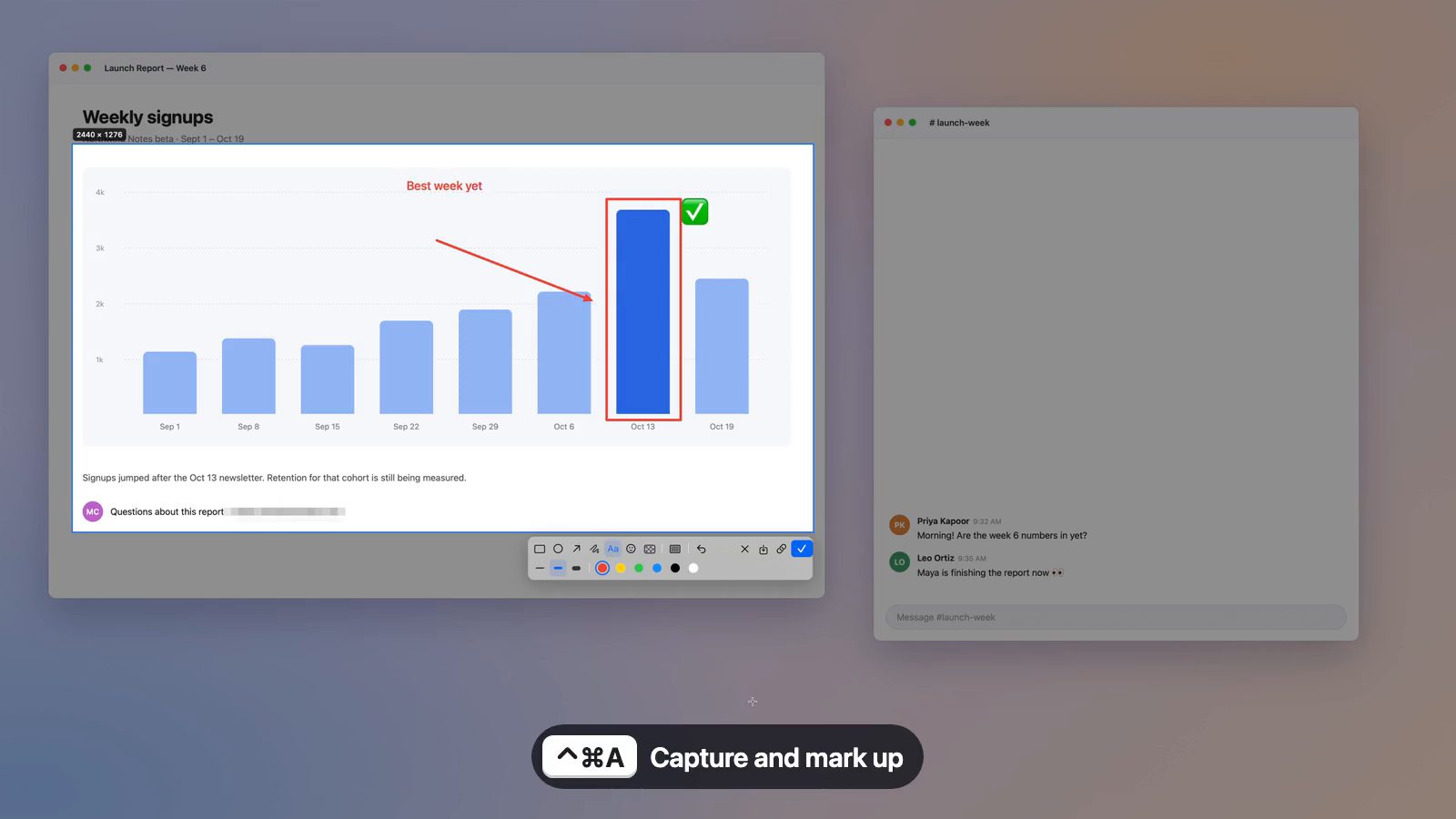
No account, no sign-in, no onboarding. Press ⌃⌘A and SnipSimple works on top of whatever you were looking at.
 01
01
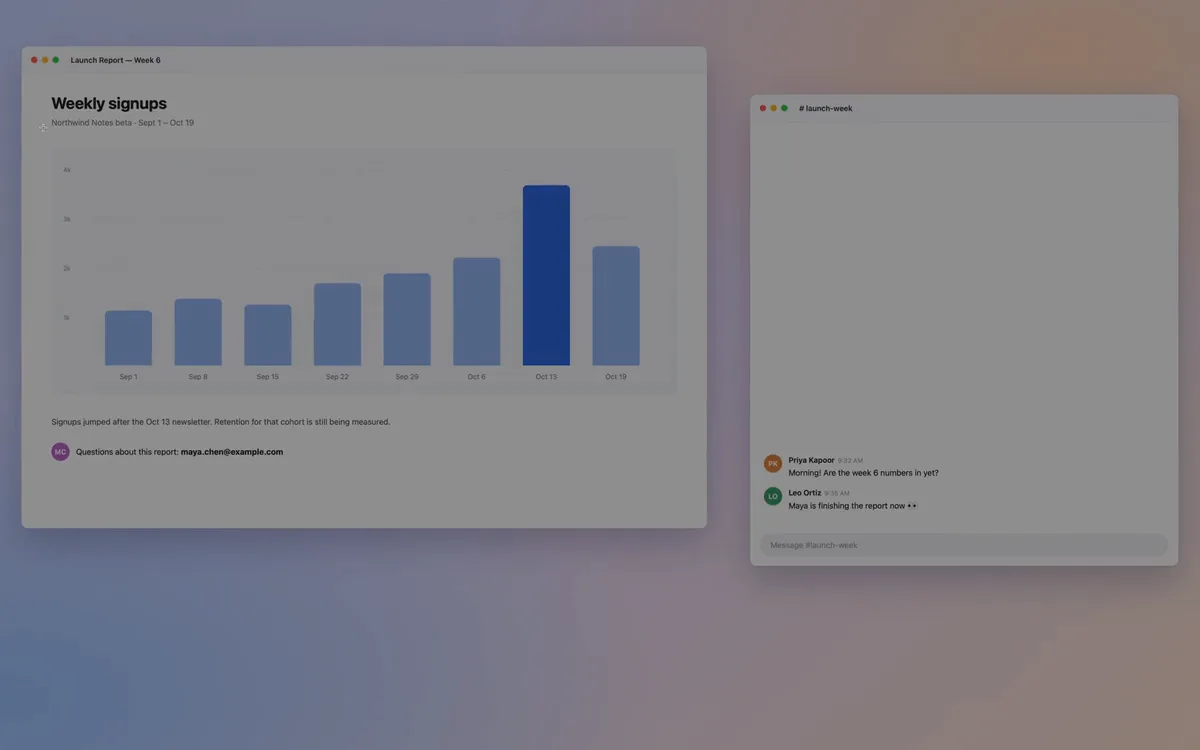
The whole screen stops and dims, so nothing moves while you choose. Your first few times, a hint at the bottom shows the keys.
 02
02
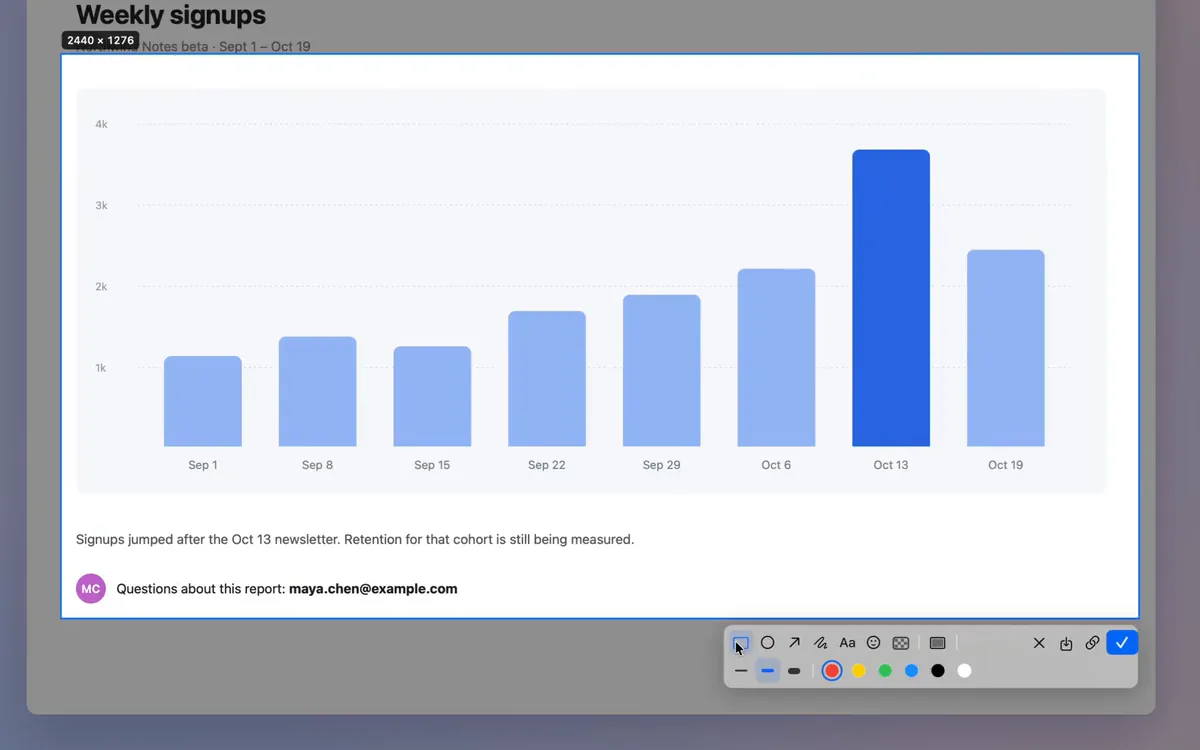
Drag over any area. Space picks the whole window under the pointer. Esc cancels.
 03
03
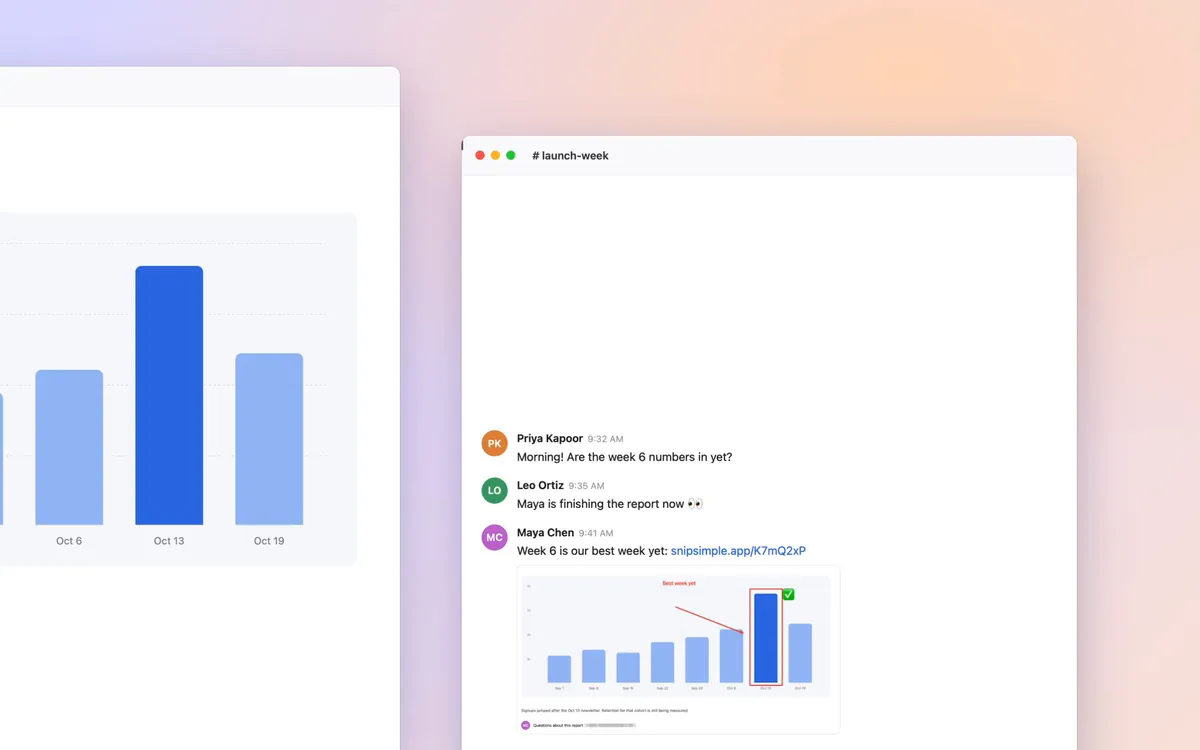
Return puts the image on your clipboard. ⌘S saves a PNG to Downloads. ⌘U copies a link.
It appears right under what you selected. What you see on screen is exactly what gets copied.

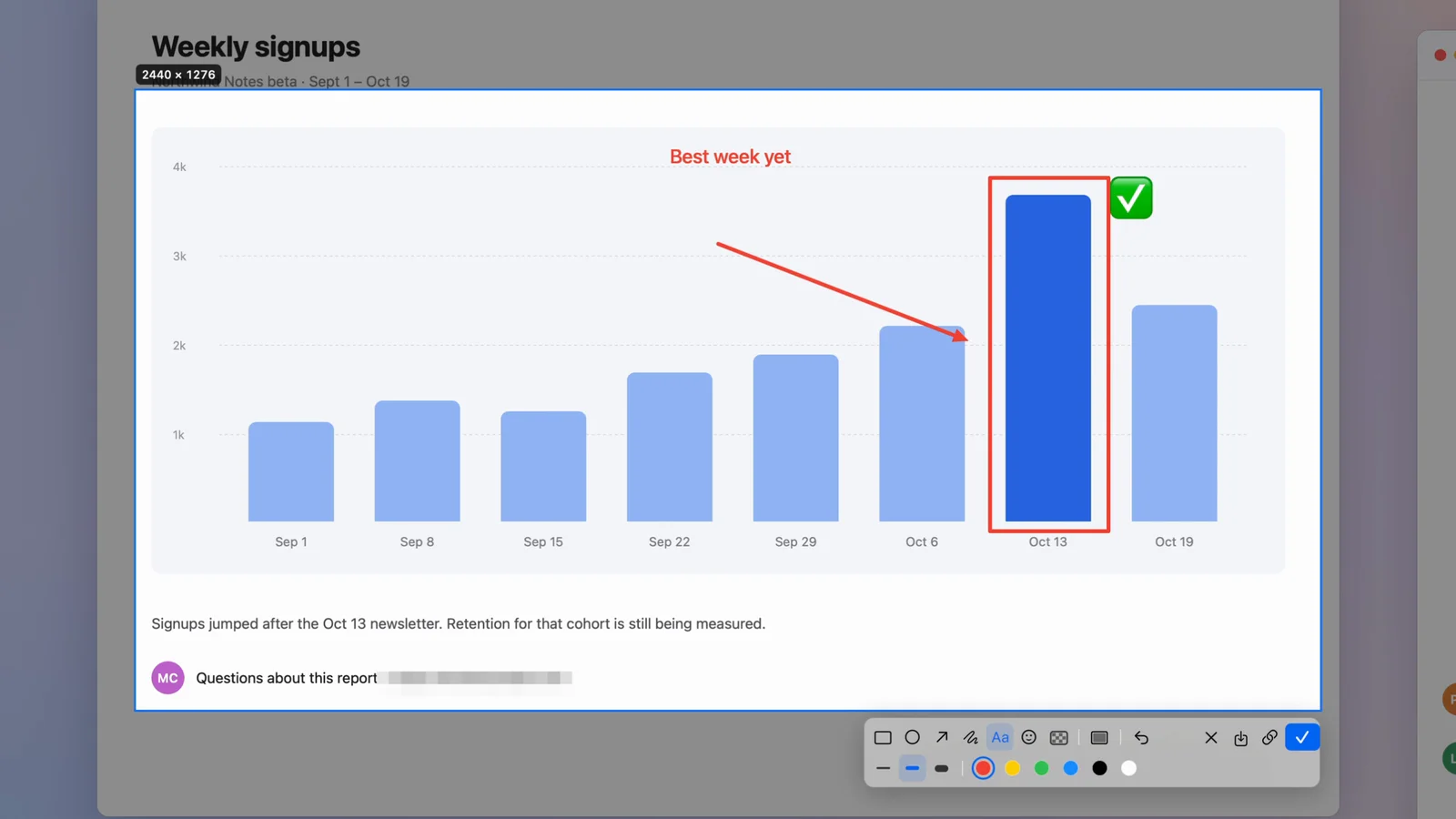
Quick Capture. Select, let go, and it’s copied. No toolbar at all.
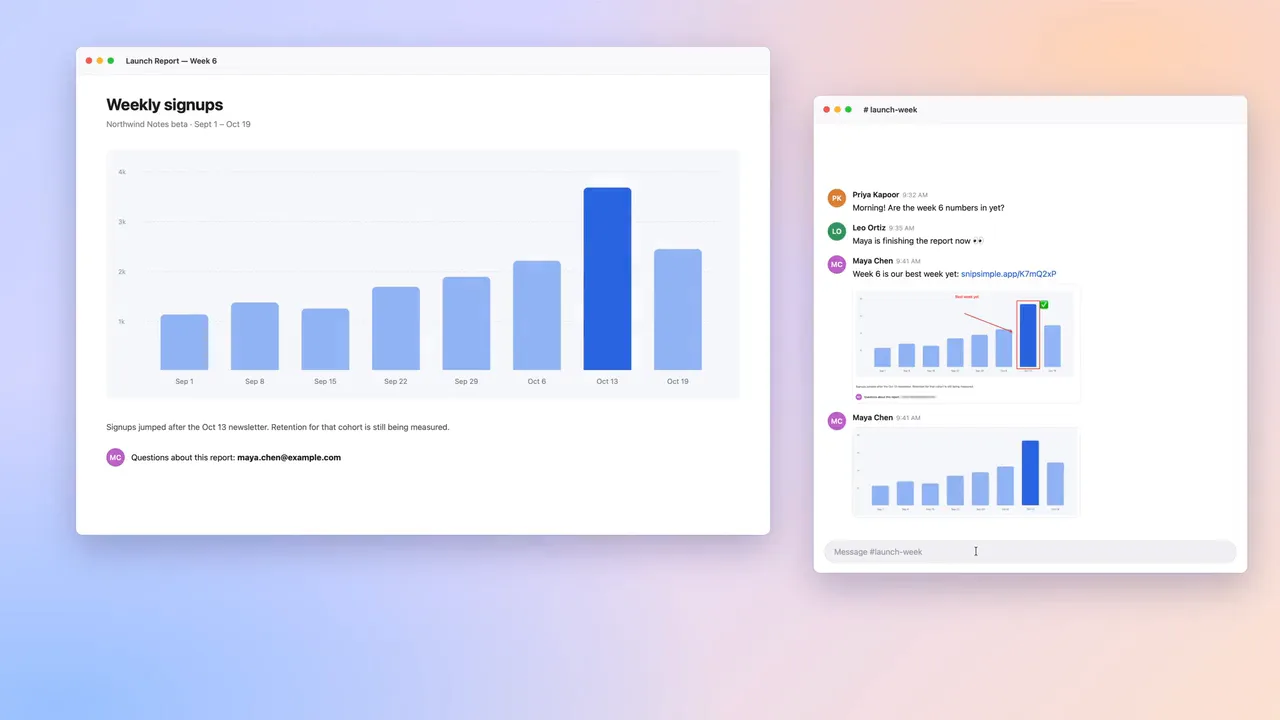
Quick Upload. Select, let go, and the link is copied. Without Cloud it shows the plans instead.
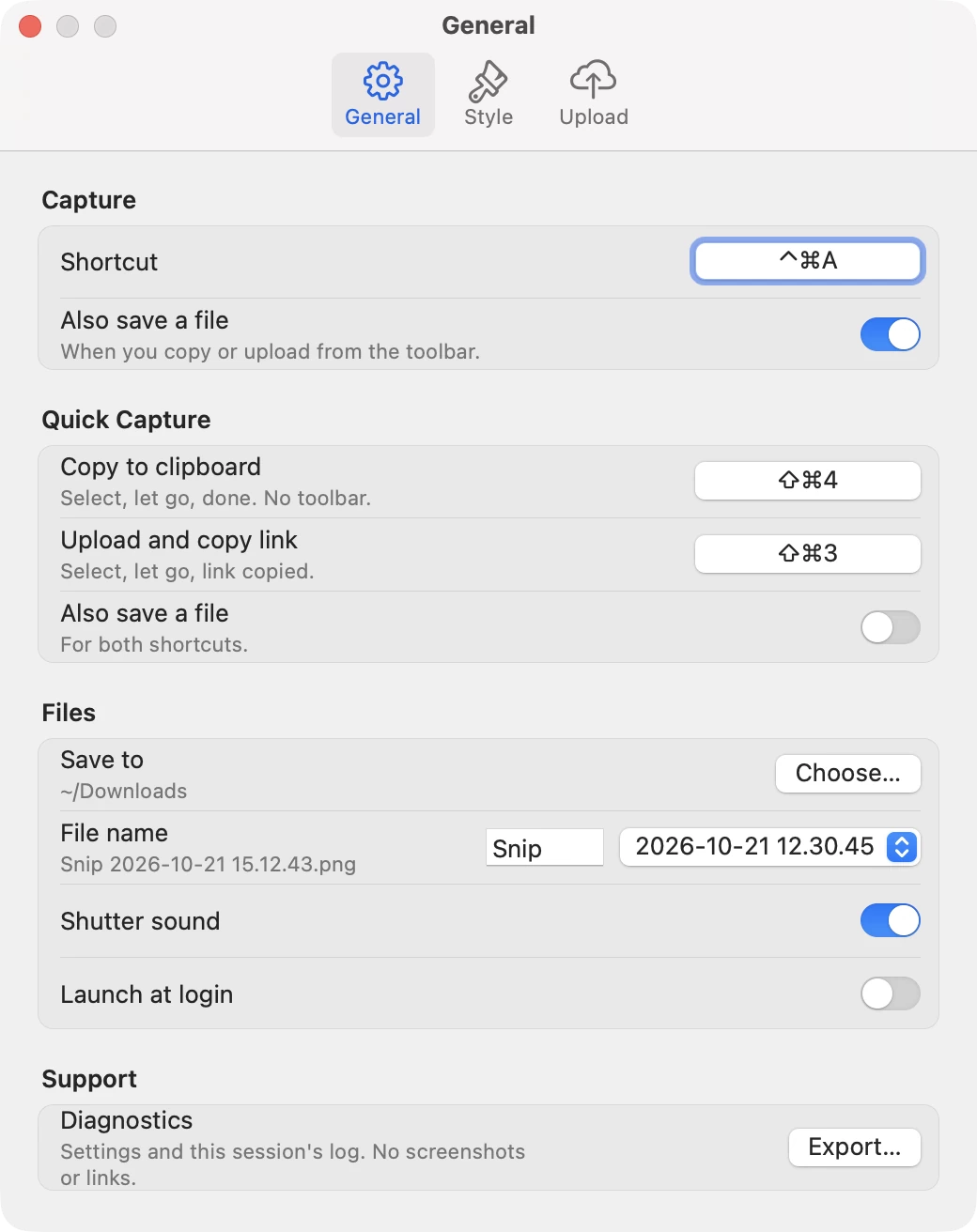
One setup step: these are also the macOS screenshot keys, so turn those off in System Settings › Keyboard › Keyboard Shortcuts › Screenshots, or pick your own keys in Settings › General.
02Light
SnipSimple lives in the menu bar and waits for the hotkey. No analytics, no tracking. It only goes online to upload, or to check your purchase with the App Store.
Memory and CPU measured on a copy that had been waiting in the menu bar for 2.5 hours. How that compares with CleanShot X
Style, set once
Choose a preset and filter in Settings → Style. After that, every edited capture starts in your chosen format—without rebuilding the look each time.
Filters colour the capture. Your annotations stay crisp.





SnipSimple vs CleanShot X
Need screen recording? CleanShot X is great. Want screenshots that are fast, tiny and cheap to share? That’s us.
| Compared | SnipSimple | CleanShot X |
|---|---|---|
| App size | 2.2 MB | 74 MB |
| Memory while idle | About 15 MB | About 206 MB |
| CPU while idle | 0% | About 1% |
| Share links | $7.99 a yearCloud. ⌘U gives a link, no sign-up. Links kept 90 days. | $120 a yearPro, $10 per user per month billed yearly |
| Pay once | $29.99Lifetime: all frames, filters and colours. Links need Cloud | $35Basic, 1 year of updates (then $19 a year) and 1 GB of cloud |
| Screen recording, scrolling capture, text recognition (OCR) | Not in SnipSimple | Yes |
Size, memory and CPU: measured on our test Mac, Oct 2026. CleanShot X 5.0.1, both idle in the menu bar. Size is what Finder shows in Get Info. CleanShot X prices from cleanshot.com/pricing, checked 21 Oct 2026. CleanShot X is a trademark of its owner; prices may change.
04Affordable
The core never needs a subscription. You pay only to share links, and Cloud starts with a free trial.
See full pricing Compare with CleanShot XCapture, every markup tool and mosaic. Copy or save. Quick Capture. The white-border frame and 2 filters.
Free trial
About 67¢ a month. Uploads to SnipSimple Cloud with ⌘U or Quick Upload. All frames, filters and colours.
All frames, filters and colours, paid once. Everything stays on your Mac. Links and uploads need Cloud.

Ready when you are
Coming soon to the Mac App Store. Free to start. Requires macOS 14 Sonoma or later.
See the plansMac App Store link coming soon.